Table of Contents
We’d been putting off touching the new AI SDK for a while.
Not because it looked hard, more because most of what’s out there right now is just announcement posts. “Laravel now has AI built in.” Great, but nobody had actually shown a working example yet.
So we built one. This is a hands-on Laravel AI SDK tutorial covering a small RAG chatbot, start to finish, using the official package and Claude. Here’s exactly how it came together.
What RAG Actually Means
Quick explanation before the code, since half the confusion around this stuff comes from the jargon.
RAG stands for Retrieval-Augmented Generation. In plain terms, instead of asking an AI model a question and hoping it already knows the answer, you first search your own data for relevant information, then hand that information to the model along with the question.
The model isn’t guessing from its training data anymore. It’s answering based on documents you actually gave it. That’s the whole idea, and it’s why RAG has become the standard pattern for building chatbots that need to know about your specific content, not just general knowledge.
Installing the Laravel AI SDK
This part is genuinely simple, thanks to it being a first-party package now.
composer require laravel/aiThen publish the config and migration files:
php artisan vendor:publish --provider="Laravel\Ai\AiServiceProvider"And run migrations, since the SDK creates tables for conversation storage:
php artisan migrateThat’s the whole install. No separate SDK wrapper, no third-party package juggling multiple provider clients. It’s baked into the framework now.
Connecting to Claude
Inside config/ai.php or your .env file, add your Anthropic API key:
ANTHROPIC_API_KEY=sk-ant-your-key-hereYou can grab this from the Anthropic Console if you don’t already have one. Once it’s set, the SDK handles everything else, provider selection, request formatting, response parsing, without you touching a raw HTTP client.
Setting Up the Database for Embeddings
The AI SDK’s vector querying works through PostgreSQL and the pgvector extension, so we started there.
Schema::ensureVectorExtensionExists();

Schema::create('documents', function (Blueprint $table) {
    $table->id();
    $table->string('title');
    $table->text('content');
    $table->vector('embedding', dimensions: 1536);
    $table->timestamps();
});
Adding an index here isn’t required to get started, but it’s worth it once you have more than a handful of rows:
$table->vector('embedding', dimensions: 1536)->index();On the model, we cast the embedding column to an array so it’s usable in PHP:
class Document extends Model
{
    protected function casts(): array
    {
        return [
            'embedding' => 'array',
        ];
    }
}
Embedding a Document and Storing It
Here’s where it actually starts feeling like magic, in a good way.
use App\Models\Document;
use Illuminate\Support\Str;

$content = 'Our support hours are 9am to 6pm EST, Monday through Friday. For urgent issues outside these hours, customers can email priority@example.com.';

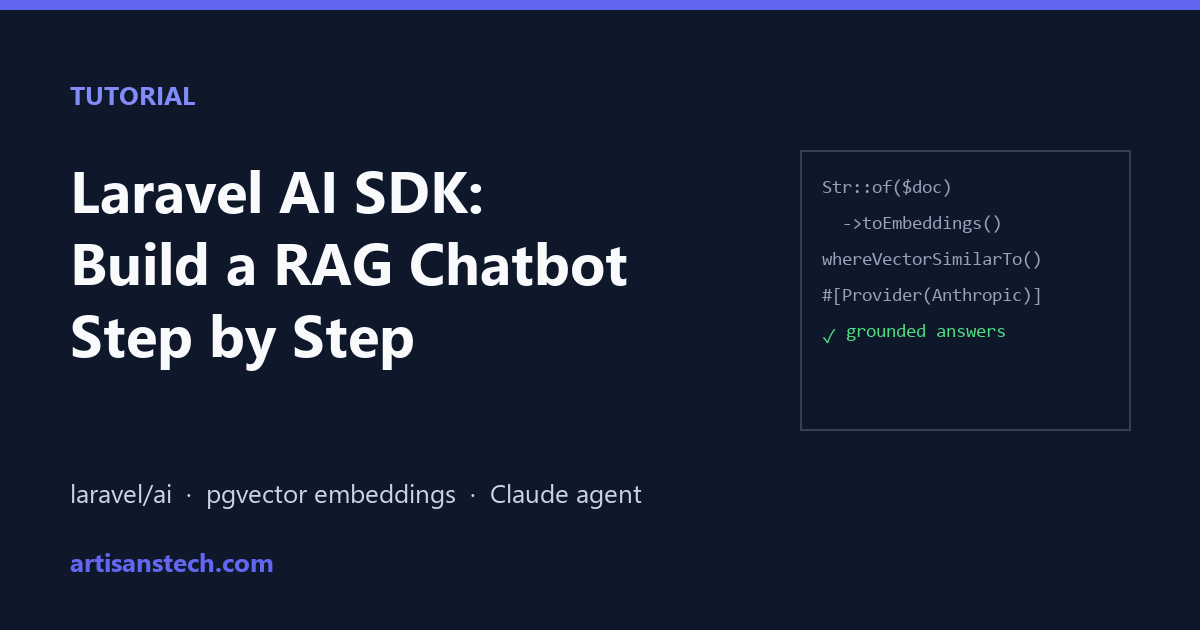
$embedding = Str::of($content)->toEmbeddings();

Document::create([
    'title' => 'Support Hours FAQ',
    'content' => $content,
    'embedding' => $embedding,
]);
That toEmbeddings() call is doing a lot of work behind the scenes. It sends the text to your configured embeddings provider, gets back a vector, and hands it right back as a plain array, ready to store.
We ran this for a handful of small FAQ-style documents to build out a tiny knowledge base for testing.
Querying It
This is the retrieval half of RAG, the same idea behind AI-powered search in a Laravel app. Given a question, find the most relevant stored document.
use App\Models\Document;

$results = Document::query()
    ->whereVectorSimilarTo('embedding', 'what time does support open')
    ->limit(3)
    ->get();
Notice we passed a plain string, not a pre-computed vector. The SDK handles generating the embedding for the query behind the scenes automatically, which saves an extra step every time you want to search.
Wiring It Into an Agent
Now the actual chatbot part. If you’ve built AI agents in PHP the manual way before, the SDK folds most of that wiring into a single class. We created an agent:
php artisan make:agent SupportBotAnd configured it to use similarity search against our documents table:
<?php

namespace App\Ai\Agents;

use App\Models\Document;
use Laravel\Ai\Attributes\Provider;
use Laravel\Ai\Contracts\Agent;
use Laravel\Ai\Contracts\HasTools;
use Laravel\Ai\Enums\Lab;
use Laravel\Ai\Promptable;
use Laravel\Ai\Tools\SimilaritySearch;

#[Provider(Lab::Anthropic)]
class SupportBot implements Agent, HasTools
{
    use Promptable;

    public function instructions(): string
    {
        return 'You are a support assistant. Answer questions using the search tool to find relevant information before responding.';
    }

    public function tools(): iterable
    {
        return [
            SimilaritySearch::usingModel(Document::class, 'embedding'),
        ];
    }
}
The SimilaritySearch tool is the piece that ties retrieval and generation together. The agent decides when it needs to search, calls the tool itself, and folds whatever it finds into its answer.
Prompting It
With the agent set up, actually using it is almost anticlimactic after everything above.
$response = (new SupportBot)->prompt('What time does support open?');

return (string) $response;
Behind that one line, the agent read the question, ran a similarity search against our documents table, found the support hours FAQ we embedded earlier, and used it to answer, grounded in our actual content instead of a generic guess.
Why This Setup, Specifically (A Note on the Laravel AI SDK Tutorial Approach)
We picked Claude for this build mostly because Anthropic’s models tend to follow tool-use instructions cleanly, which matters a lot for RAG. If the model ignores the search tool and just answers from memory, the whole pattern falls apart.
We also configured the agent to explicitly use Claude via the Provider attribute, rather than relying on whatever the app’s default provider happens to be. For a support bot specifically, we wanted predictable behavior, not something that could silently change if the default provider setting gets updated later.
#[Provider(Lab::Anthropic)]
class SupportBot implements Agent, HasTools
{
    // ...
}
You could just as easily pass the provider directly on the prompt call instead, if you’d rather keep that decision at the call site:
$response = (new SupportBot)->prompt(
    'What time does support open?',
    provider: Lab::Anthropic,
);
Either approach works. We preferred the attribute since it keeps the agent’s behavior self-contained and visible right at the top of the class, without digging through wherever it gets called.
Worth saying too, this is the simplest possible version of a Laravel AI SDK tutorial. In a real app, you’d want to handle chunking longer documents, deduplicate near-identical content, and probably add conversation memory so follow-up questions keep context. None of that changes the core pattern shown here, it just adds more moving parts around it.
What We’d Do Differently Next Time
A few things worth flagging for anyone following this same path.
- Cache embeddings for content that doesn’t change often, the SDK supports this natively and it avoids redundant API calls
- Set a
minSimilaritythreshold on your searches, otherwise irrelevant documents can sneak into results when your knowledge base grows - Keep documents reasonably short, a giant wall of text embedded as one row tends to search worse than several smaller, focused ones
None of these are blockers, just things we learned by actually building this instead of reading about it.
Wrapping Up This Laravel AI SDK Tutorial
That’s the whole thing, install the package, connect a provider, embed some content, and let an agent search it before answering.
What stood out most going through this Laravel AI SDK tutorial is how little boilerplate is left. A year ago, this same feature would’ve meant wiring together a separate embeddings client, a vector database, and a custom prompt template by hand. Now it’s a handful of first-party classes that already know how to talk to each other.
If you’ve been holding off on trying this because it looked complicated from the announcement posts, it really isn’t. The hardest part of this whole build was deciding what to put in the FAQ.
For more, browse our AI guides.
FAQ: Laravel AI SDK Tutorial
What do I need before starting this Laravel AI SDK tutorial?
A Laravel 13 app, PostgreSQL with the pgvector extension for vector search, an API key for a chat provider (we used Claude), and an embeddings provider configured in config/ai.php, since toEmbeddings() sends text to that provider. Everything else comes from the laravel/ai package.
Can I build a RAG chatbot in Laravel without PostgreSQL?
The SDK’s built-in similarity search used in this tutorial relies on PostgreSQL and pgvector. With MySQL you’d need a separate vector store and your own search tool, which adds more moving parts.
Can I use OpenAI or other providers instead of Claude?
Yes. The AI SDK supports multiple providers; change the provider attribute on the agent and set that provider’s API key in your config. For a cheaper testing setup, see our list of free LLM APIs for developers.
Is RAG better than fine-tuning for a support chatbot?
For most support bots, yes. RAG answers from your current documents, so updating the bot is as simple as embedding a new document, with no retraining needed.